HEIC photo support in every image picker, with JPEG conversion for backgrounds and avatars
Every image picker in AgileHero accepts a photo straight from Apple Photos, a HEIC or HEIF file. That covers project backgrounds, avatars, and images in rich text and the wiki.
Backgrounds and avatars are converted to JPEG when you save, so they show in every browser, not only in Safari. The conversion turns the photo the right way up and removes its metadata, including the GPS location a phone photo carries.
Chrome and Firefox can't display a HEIC file before it's uploaded. In those browsers, a new avatar skips the crop step, and AgileHero makes the square version for you. Safari keeps the crop step.
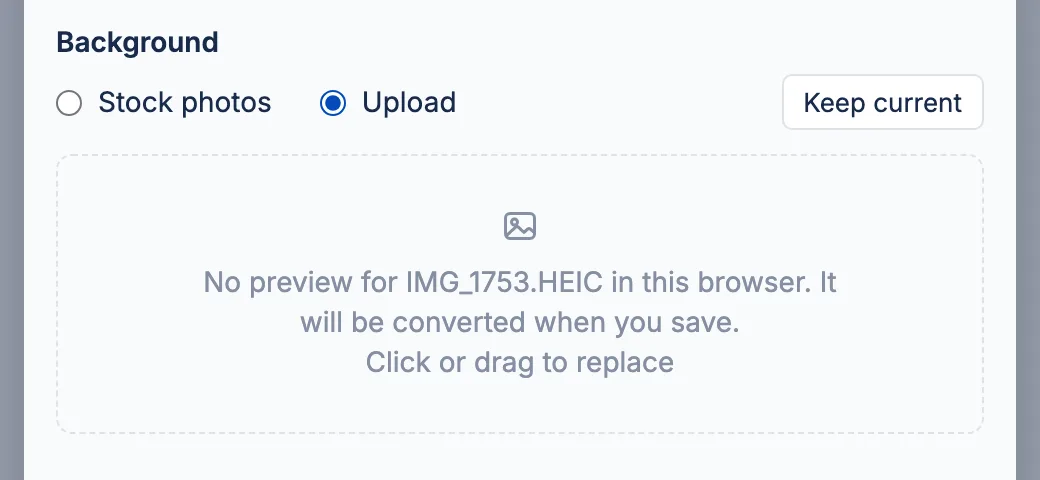
A background or avatar that AgileHero can't open now gets a clear message instead of a failed save. Backgrounds and avatars over 50 megapixels are refused with their own message.
The board now loads a resized WebP copy of the background instead of the original upload, which for a phone photo can be several megabytes. The background preview in the project's edit form loads a small copy too.