Responsive layout for phones: board, backlog, and cards
AgileHero now has a phone layout. On a phone-width screen, the board shows one list at a time, and you swipe between lists.
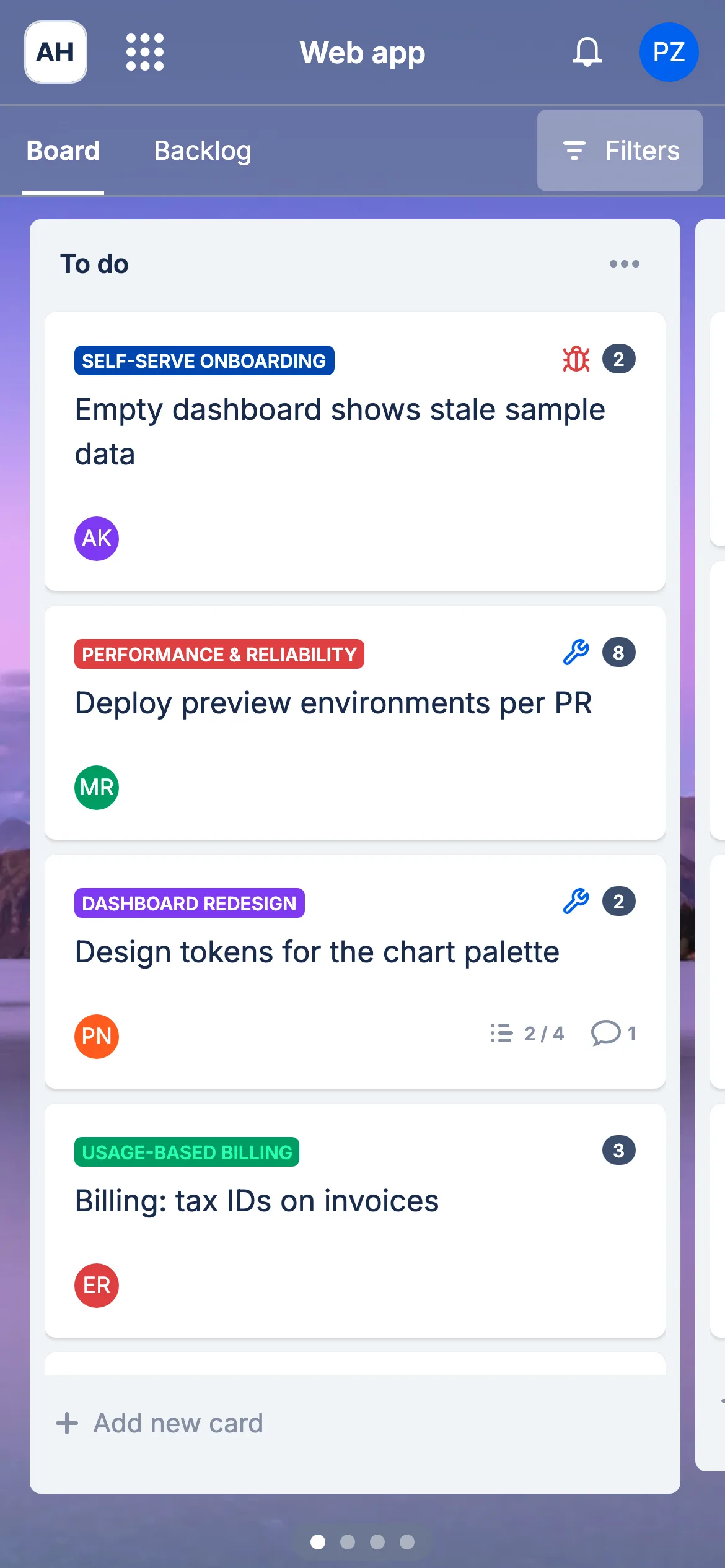
A card opens full screen. From there you can:
- edit the title and description
- set assignees, labels, epic, due date, estimation, and type, each in a sheet that opens from the bottom of the screen
- move the card to another list or position from the Move sheet
- tick checklist items, and add attachments and links
- read and write comments
A switch at the top of the card moves between its content and its details.
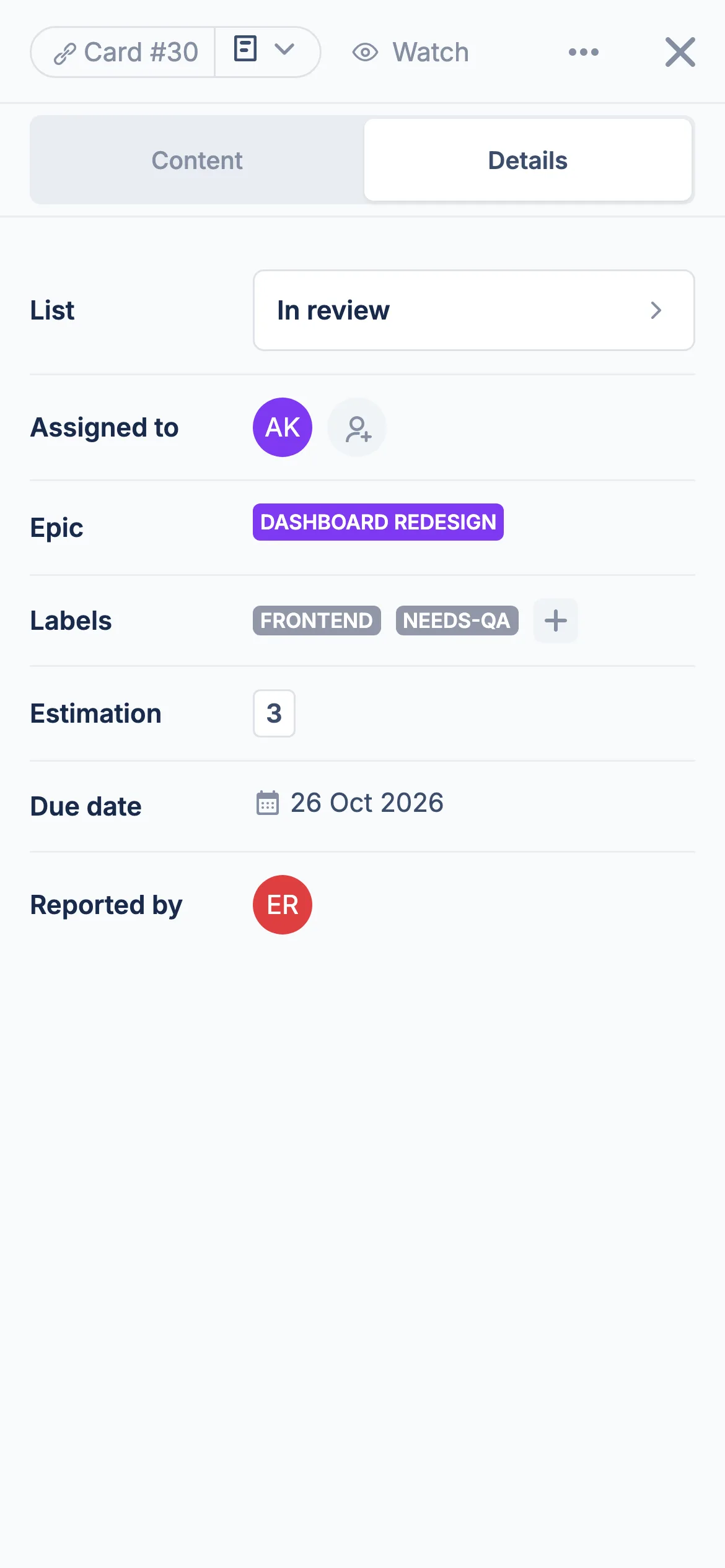
The backlog followed on 28 September and works the same way. On a phone it opens with the backlog first and your To do lists after it. Board and Backlog links at the top switch between the two.
Other modules and settings show a notice that they aren't available on phones yet. Tablets and desktop keep the layout they had.
Also in this release:
- Moving a card to the backlog without picking a position now puts it at the bottom, as To do and In progress already did.
- Fixed a list showing its cards in reverse order after a rename or a card limit change, until the page was reloaded. A list's cards now stay in board order.